I gave GPT-6-Astra one image: AtAt’s logo. A black sphere in round translucent glasses, a white @ in each lens.
I asked for a 3D version we could put on the website.
One session later, that image was an editable Blender character with eight animations. It runs as the Orb inside the Mac app, rendered in Metal, and as the character on the homepage, rendered in Three.js. Both play the same animation data from the same .blend file.
I did not write the Blender scripts, the exporter, the Metal renderer, or the Three.js player. My job was to look at every version and say what was wrong with it. There was a lot to say.
This is the character it ended up with. Click the expressions. It reacts to your pointer, and it respects your reduced-motion setting.
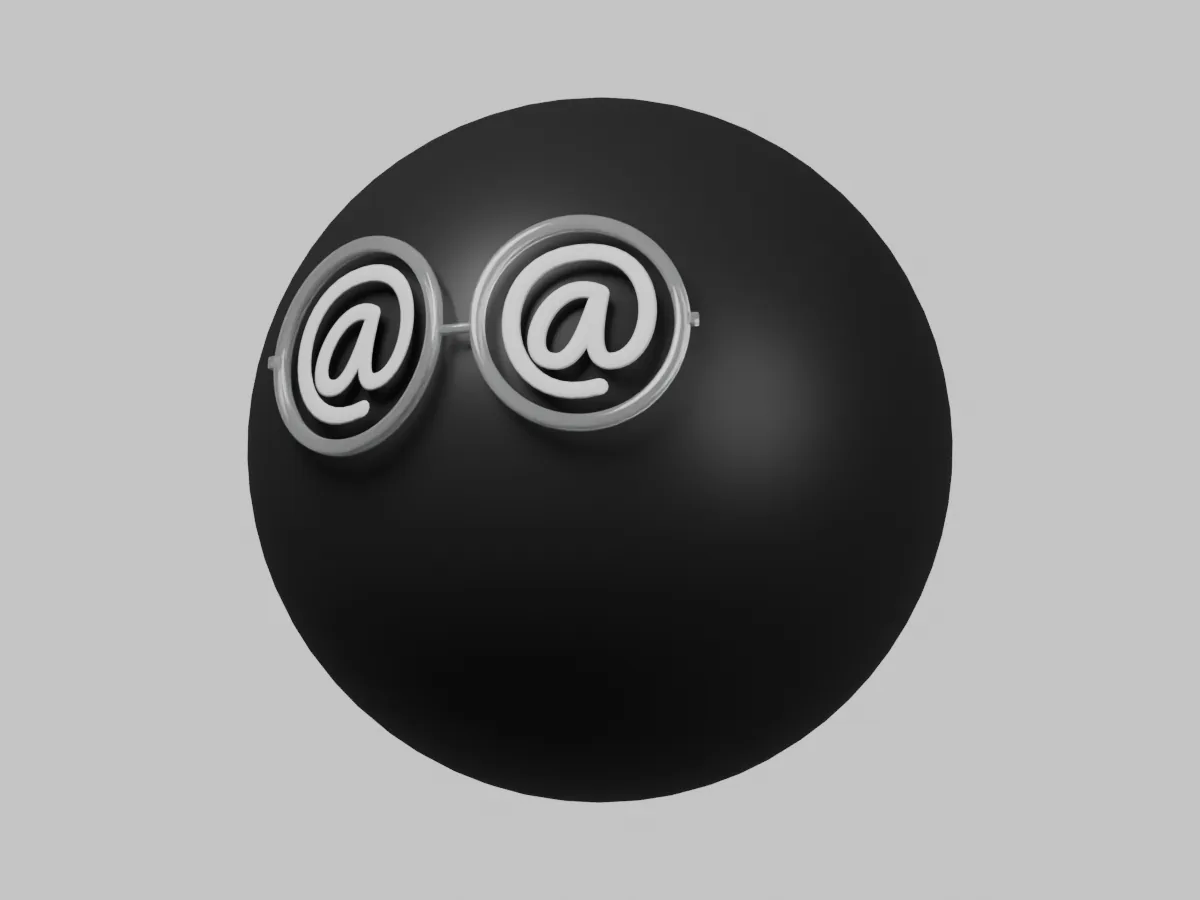
Loading the interactive Orb…
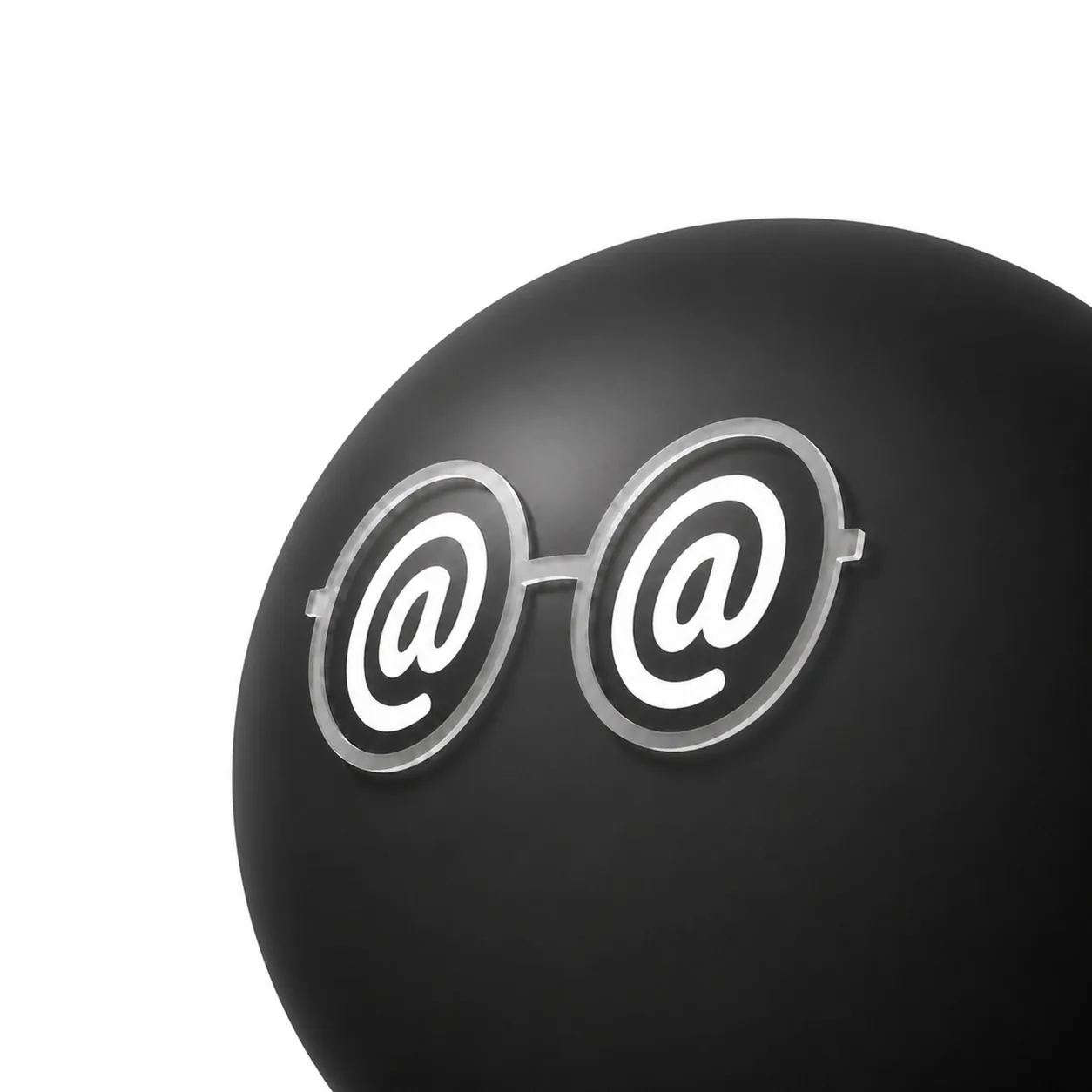
The only image I supplied. Everything below was built to look like this.
The one rule
AtAt is a Mac app that brings the agent you already use into the text field you are working in. The Orb is the small floating character you click to open the input window. It is 38 points across, and it is on screen all day.
The rule for the new character was simple. The logo defines the appearance. Whatever the Orb does, it has to stay the sphere in the picture.
What it kept getting wrong
Most of my feedback was a screenshot and one sentence. Here is roughly the order the sentences came in.
- The eyes were too large. I asked to shrink the
@while keeping the glasses the same size. Because eyes, lenses, frames and hinges were separate meshes, that was a real request and not a rescale of the whole face. We went back to the reference and adjusted the ratio again later. - The sphere looked flat. A black ball with no readable light side and shadow side is a black circle. It took a broad upper-left key light, restrained fill and a stable rim before it read as a ball at 38 points.
- The headphones floated. The first pair sat near the head rather than on it. We fitted the band around the upper hemisphere and made the band and outer cups red so they read at small sizes.
- The thought bubble looked solid. It became translucent graphite, with visible gaps between the shell, the two trail bubbles and the body. Translucent pieces that overlap look like a rendering bug.
- The inserting animation made no sense. The first version slid text fragments into an input slot. I could not tell what it meant. I asked for a pencil writing on paper instead, lifting between lines.
- The wink was invisible. The first tilt was about four degrees. At 16 degrees you can see it.
- Confirmed needed no words. Checkmark eyes and a short nod said it faster than anything else we tried.
Eight expressions
The character has eight performances. Each one has a job.
- Available: resting, with natural blinking authored in the model.
- Thinking: both eyes look up. A gray thought bubble holds three dots that cycle through size and brightness.
- Reading: the character looks through a small book.
- Inserting: a pencil writes across a piece of paper.
- Confirmed: the eyes become white checkmarks, with a short nod.
- Happy: a small lift and a greeting.
- Wink: one eye closes and the head tilts 16 degrees.
- Grooving: the character nods in bright red headphones.
The eight Blender performances, looping. The demo above lets you trigger each one yourself.
Every one of these is geometry and animation tracks in the model. The book, the pencil, the checkmarks and the headphones are all part of the same 3D object.
The pipeline that made the fixes cheap
This is the part I would copy if I were doing it again.
GPT-6-Astra set up Blender and used Python to build the model and animations. I did not install or operate Blender myself. The product is a saved .blend file that opens in Blender and can be edited by a person.
The actual scene asset in a Blender studio render, not a mockup.
Inside it, the character is a hierarchy of separate meshes: body, frames, hinges, eyes, and props. Props have parents, so the book moves as a book and the headphones move with the head. Each expression is a set of Blender Actions named clip::object, such as thinking::ThoughtDot0. Every object has an Action for every clip, even if that Action is a constant pose. That is what lets the players blend from any expression to any other.
An exporter reads the scene and samples the Actions at about 30 frames per second. Tracks that never change collapse to a single sample. Out come two things:
- A GLB for the website, with geometry and physical materials. Three.js loads it.
- Mesh data for the Mac app, in a form the native Metal renderer wants.
Both load the same animation JSON, byte for byte. The GLB carries no animation clips of its own. Motion lives in one place, so a tuning change in Blender reaches both renderers on the next export.
That is why the iteration list above was survivable. Each fix was: edit the model, export, build, look at it at 38 points. Nobody touched app code to move an eye.
The two renderers still do not produce identical pixels. The web uses the GLB’s physical materials. The native side uses a simpler lighting model and an opaque approximation for the frames. Sharing the model and the motion gets you the same character, not the same image.
Putting it on the website
The first idea was to put the live model where the logo goes. We tried that, then moved it into the open space beside the hero text.
At the top of the page it stays quiet: 180 pixels, 30 percent opacity, reacting to the pointer but not draggable. Once the hero scrolls away, it moves to the upper right, becomes a fully visible 100-pixel Orb, and you can drag it. Scroll back up and it goes home.
Lighting shifts a little with your local time: up to 15 degrees of direction, six of elevation, eight percent of intensity, and slightly warmer away from midday. The site rotates its baked reflection environment rather than rebuilding it, asks for a lighting refresh once a minute at rest, and stops drawing when hidden.
Numbers
| What | Count |
|---|---|
Editable .blend source | 9.7 MB |
| Web model (GLB) | 597 KB |
| Shared animation JSON | 1.93 MB, about 84 KB gzipped |
| Render buffer cap | 512 px per side |
| Sizes I judged it at | 38 pt in the app, 40 / 48 / 150 / 180 px on the web |
What is still not solved
The animation JSON is heavy for what it carries. The native renderer’s materials are a step behind the web. And the whole thing still needed a person who knew what “flat” looked like and would say so eight times. GPT-6-Astra connected the words to the geometry. It did not know which version was right.
If you try this
- Give it one reference image, not a paragraph. The image settled arguments a description never would have.
- Send screenshots, name the mismatch. “Eyes too large, glasses the same” beats “make it cuter.”
- Insist on an editable source file. A mesh generated by a script you cannot re-run is a dead end. A
.blendyou can open is a starting point. - Judge at real size. A detail that looked good at 180 pixels was noise at 38 points, every time.
Build your own
Attach your reference image and send these prompts to GPT-6-Astra in order. Replace the brackets with your preferences. Let it handle Blender through Python, then review each result before continuing.
1. Make the model
Turn the attached reference into an editable 3D character in [project folder].

My preferences: [colors, materials, personality, details to keep or change].

Set up Blender and use Python to build and render it. Save one editable .blend file. Keep the body, eyes, accessories, and other independently adjustable parts separate.

Match the reference's proportions and material feel. Show front and reference-angle renders, both enlarged and at [intended display size]. Reopen the saved file to verify it works. Let me review the model before adding animations.
2. Add the expressions
Animate the approved model with these expressions: [your list].

For example: resting, thinking, reading, writing, confirmed, happy, winking, and grooving. Adapt the eyes, props, and movement to my character's personality.

Store the performances as editable Blender Actions in the same .blend. Keep props attached correctly, loops smooth, and a readable still pose for reduced motion. Make sure every animation survives saving and reopening.

Use model geometry and animation for the expressions, rather than drawing them separately in app code. Deliver a labeled animation preview for me to review.
3. Put it in your project
Integrate the approved character into [website or app], with [the interactions I want].

Inspect the existing project first. Export from the saved .blend without rebuilding it. For the web, use Three.js; if a native app is also in scope, share the model's animation data between both players.

Keep playback generic, preserve transparency, leave room for moving props, limit render resolution, and stop rendering hidden views. Provide a working preview and the commands to export and run it.

Build the project and check every expression and transition. If replacing an existing character, migrate its callers and remove the obsolete drawing code once the replacement works.
Then send screenshots and specific corrections: “Make the eyes smaller; keep the glasses unchanged.” Repeat until it looks right at its actual size.
It started as one image and a small request. The character carries every decision that followed in its model, its animations, and its behavior.
The Orb is the first thing you see in AtAt. Introducing AtAt covers what happens after you click it.