App icon
The icon as it appears in the Dock. It’s a render, so it only comes as PNG.
A description you can quote, the facts, recordings of AtAt in use, the logo, and the 3D character. Take what you need when you write about AtAt.
@ for people. @@ for AI. Less switching. More done. Just @@ it.
@ for people. @@ for AI. Type @@ anywhere you can type on your Mac, ask the AI you already use, and the answer lands right where you were. No copying, pasting, or switching apps. Just @@ it.
@ for people. @@ for AI. Type @@ anywhere you can type on your Mac, ask the AI you already use, and the answer lands right where you were. No copying, pasting, or switching apps. Just @@ it. Everything you see is a prompt. Take a screenshot or a scrolling capture, open your clipboard history with ⌘⇧V, select text in any app, pick files in Finder, or drop something on the Orb, and ask from right there. Or type @@ in any text field, and the window you are in comes along. Each piece shows in the input before you send, and you can remove any of it. The answer streams into a preview card. Press Tab to put it back where your cursor was, or ⌘Return to continue in your terminal or agent app, already in the right folder. AtAt drives the AI you already have: Claude Code, Codex, Grok, Cursor, Pi, Hermes, OpenCode, Antigravity, any CLI on your Mac, your own OpenAI, Anthropic, OpenRouter or DeepSeek key, Ollama, or Siri AI. Switch between them from the input itself. It works from the agent's side too. Claude Code, Codex, or any agent with a shell can use your Mac through the atat command and its skill: screenshot the window you are looking at, read your clipboard history, pick up your Finder selection, and film a demo. A note shows which agent used it; one switch turns it off. TabTab writes your next words inside the field you are typing in. Press Tab to keep them. Memory is a folder of Markdown notes on your Mac that AtAt and your other agents read before they start and add to as they learn. Extensions from atatapp.com/extensions add new actions, like Format JSON on the selection bar. Your prompts go to the AI you chose. Your conversation stays on your Mac; optional iCloud Sync carries your settings, API keys, clipboard history and Memory.
A native macOS app. @ for people, @@ for AI: type @@ anywhere you can type on your Mac, ask the AI you already use, and the answer lands right where you were. TabTab completes your next words as you type.
Claude Code, Codex, Grok, Cursor, Pi, Hermes, OpenCode, Antigravity, or any CLI you add; your own OpenAI, Anthropic, OpenRouter, or DeepSeek key; Ollama; or Siri AI.
macOS 15 or later, Apple silicon.
AtAt One: $9/month, $59/year, or Lifetime for $169 once.
Lifetime launch price: $119 now, rising in steps to $169 as Lifetime sells.
A 14-day free trial with your own agents and keys, no account, no card. Then a plan; Lifetime available.
atatapp.com, or brew install --cask xinyao27/tap/atat.
September 9, 2026. Version and changes: atatapp.com/changelog.
Xinyao Chen, an independent developer. @xinyao27 on X.
hi@atatapp.com. Product account @atatappdotcom.
AtAt is one word, with two capital A’s. It’s pronounced “at-at”, and it’s what you type in the app: @@. In a sentence, write AtAt. Use @@ only when you mean the keystroke.
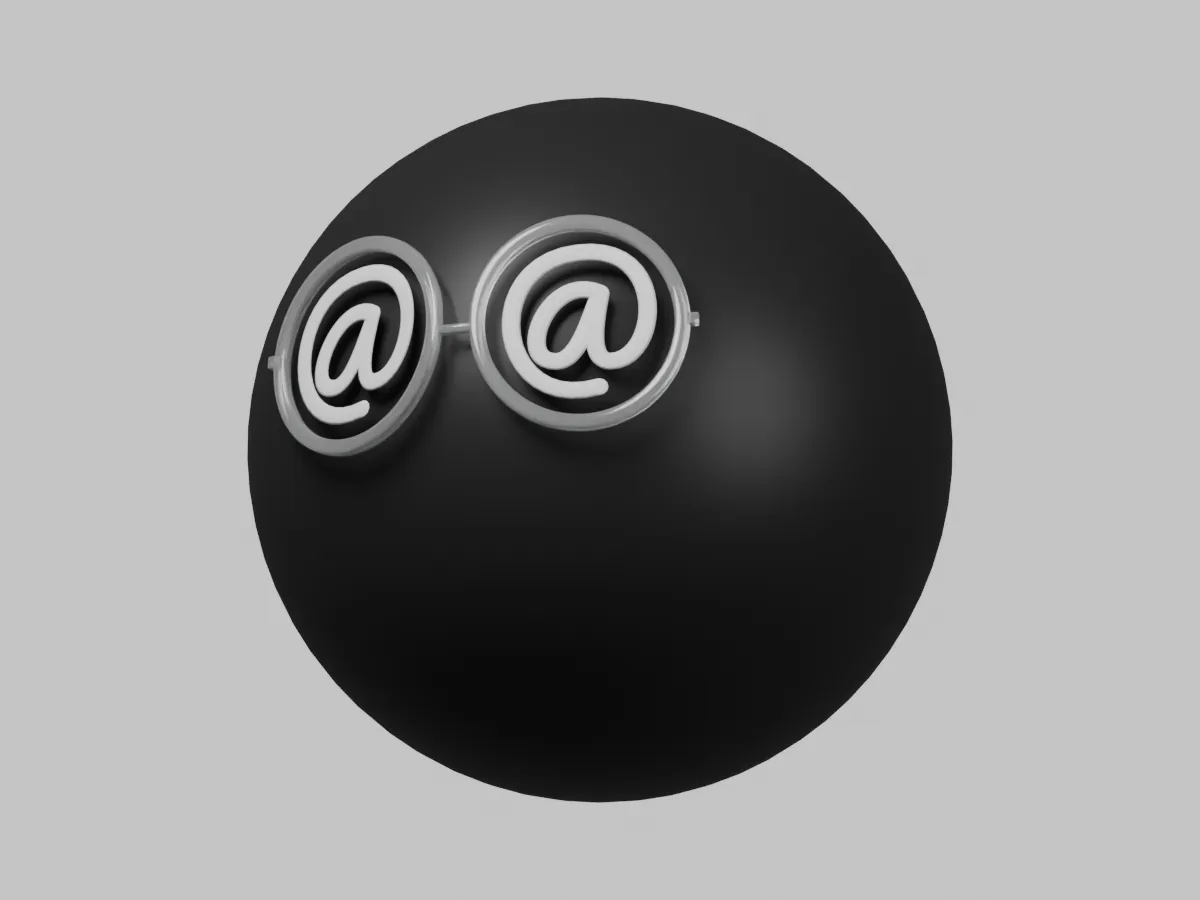
The logo is the character: a graphite sphere in round glasses, an @ in each lens. Use these files as they are. Don’t recolor them, stretch them, add effects, or put the @ in different glasses.
The Orb is the character you click in the app. It’s a Blender file, and every expression is an action you can open, scrub, and edit. Use it to show AtAt; don’t make it your own mascot.
Loading the interactive Orb…
Short recordings of AtAt in use. Use them as they are; don’t crop out the interface.
Reviewing AtAt? Write to hi@atatapp.com and I’ll send you a license. Same address for a screenshot, another size, or anything else that isn’t here.